














 Drawing is easy with the smART Sketcher
Projector
Drawing is easy with the smART Sketcher
Projector
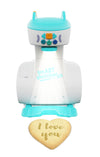
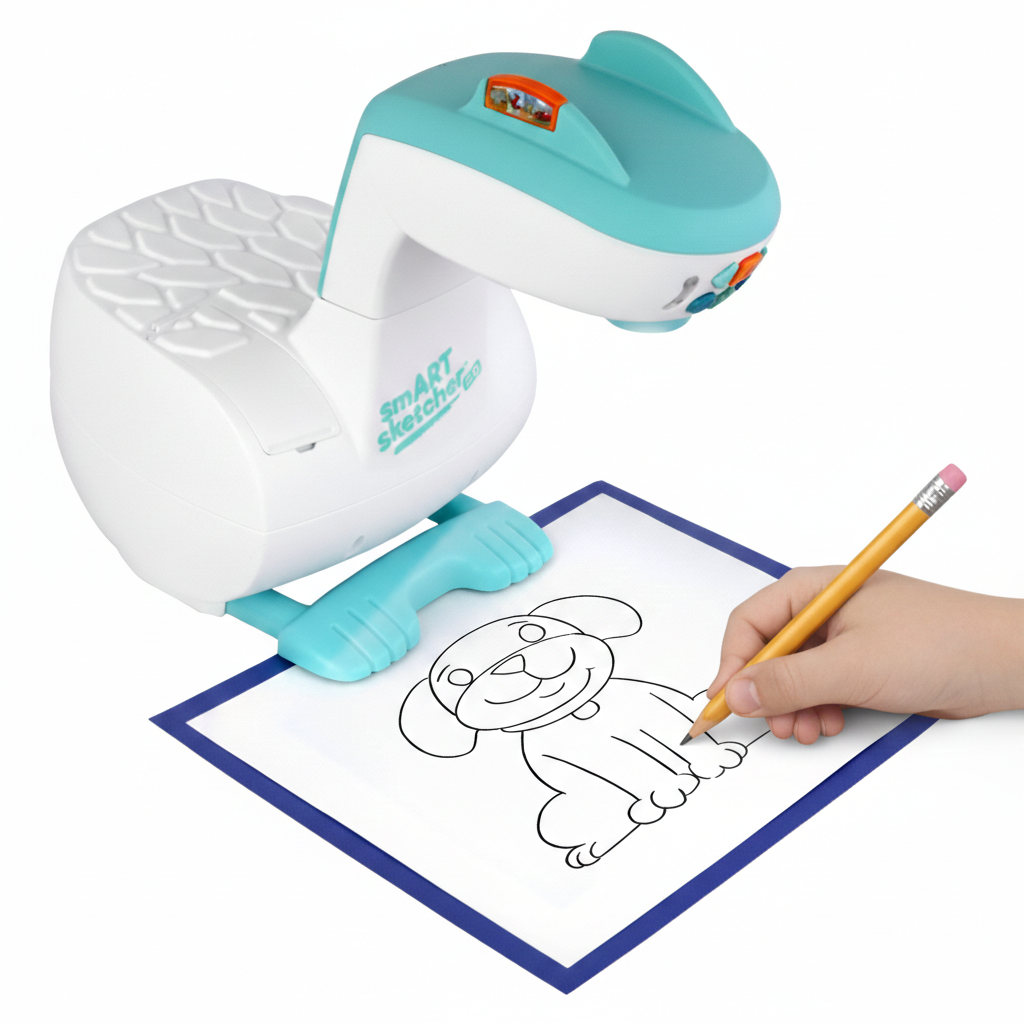
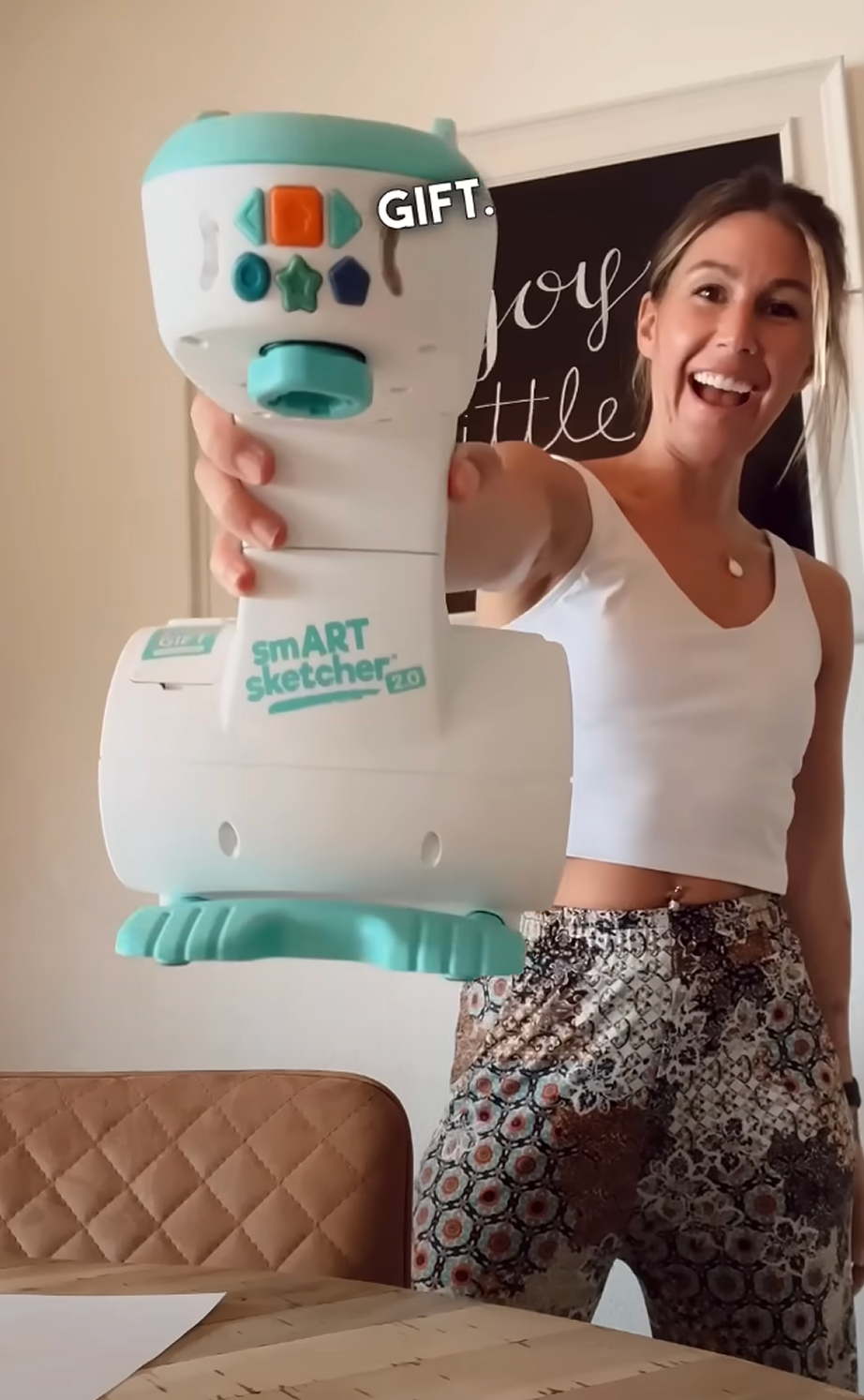
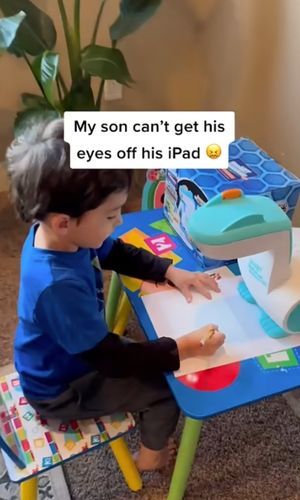
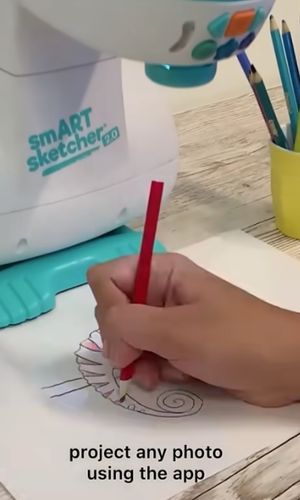
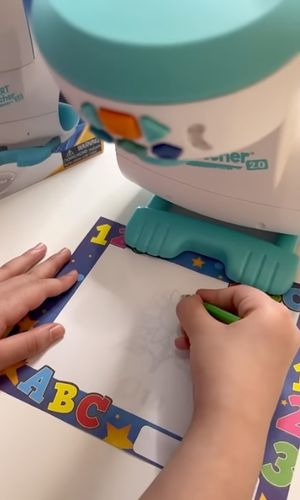
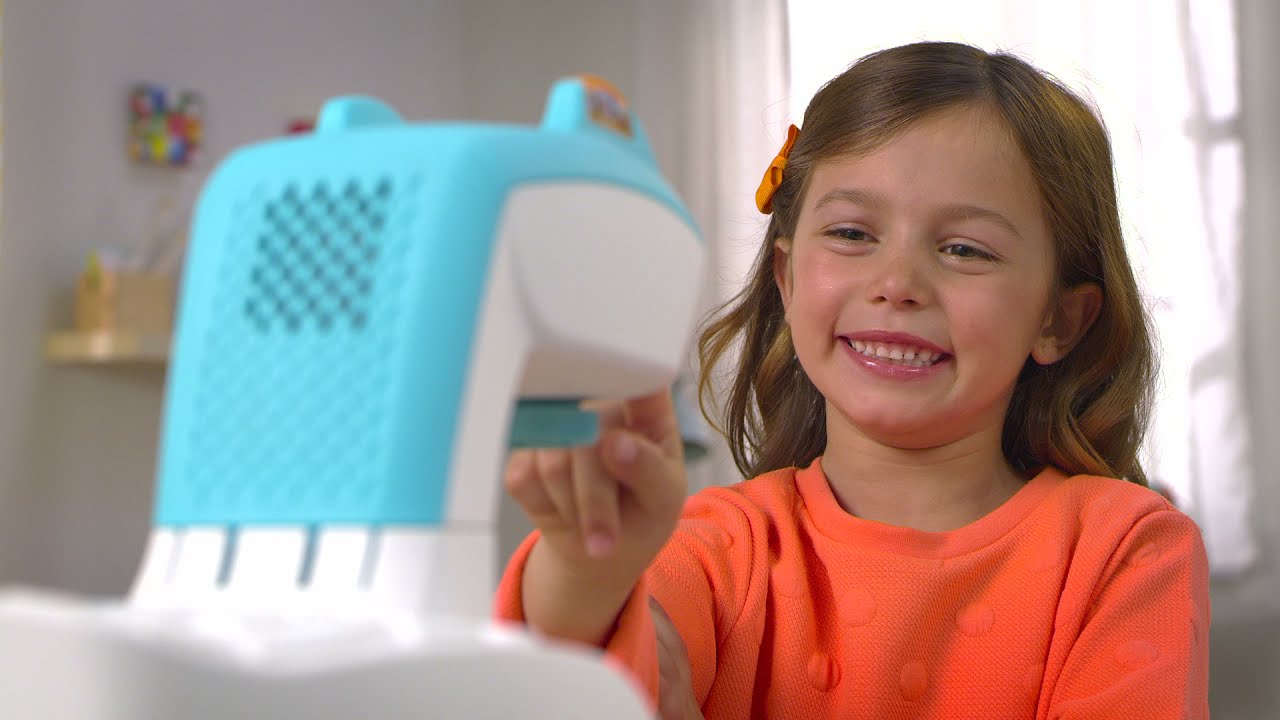
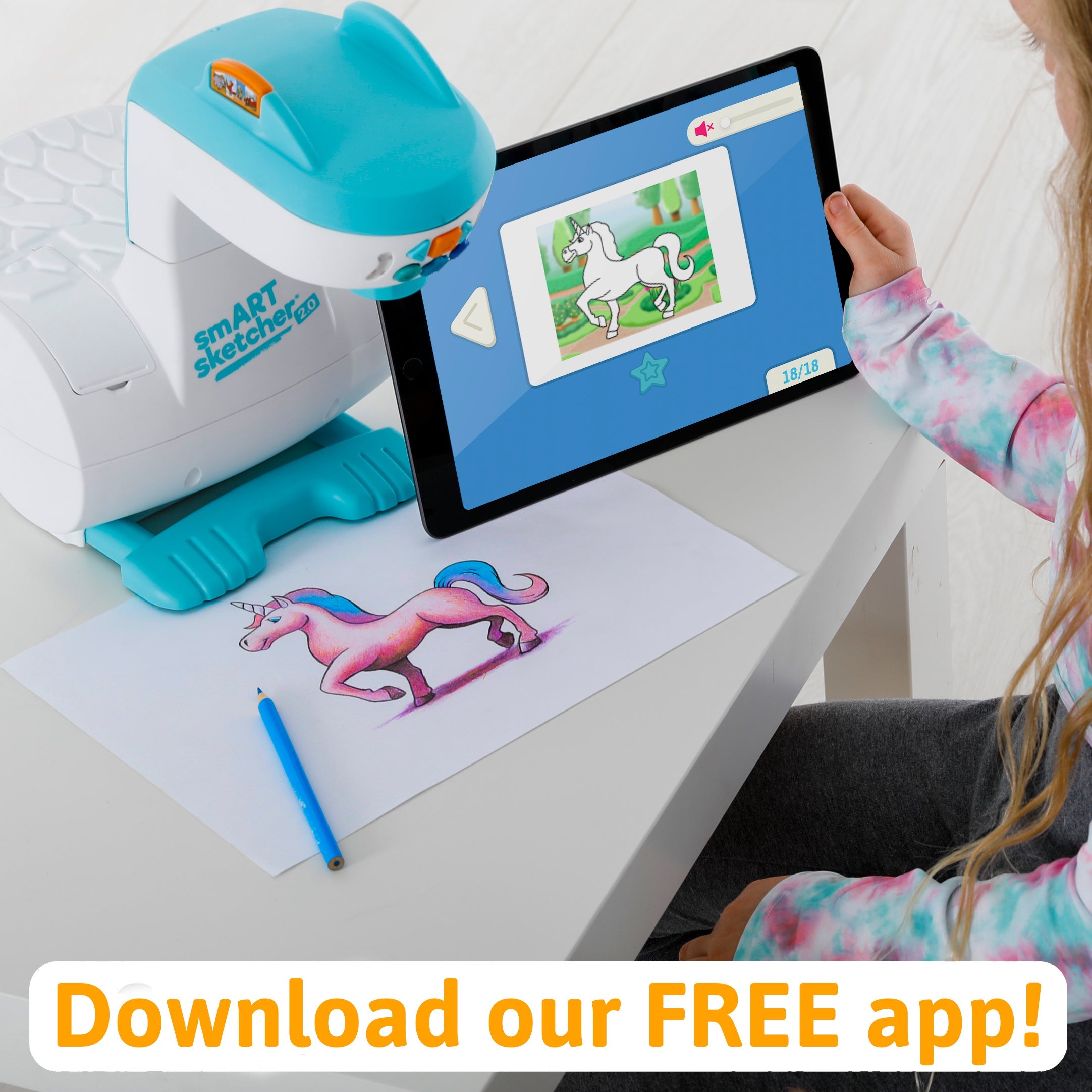
The smART Sketcher® 2.0 Projector puts the fun of drawing and writing into the hands of kids
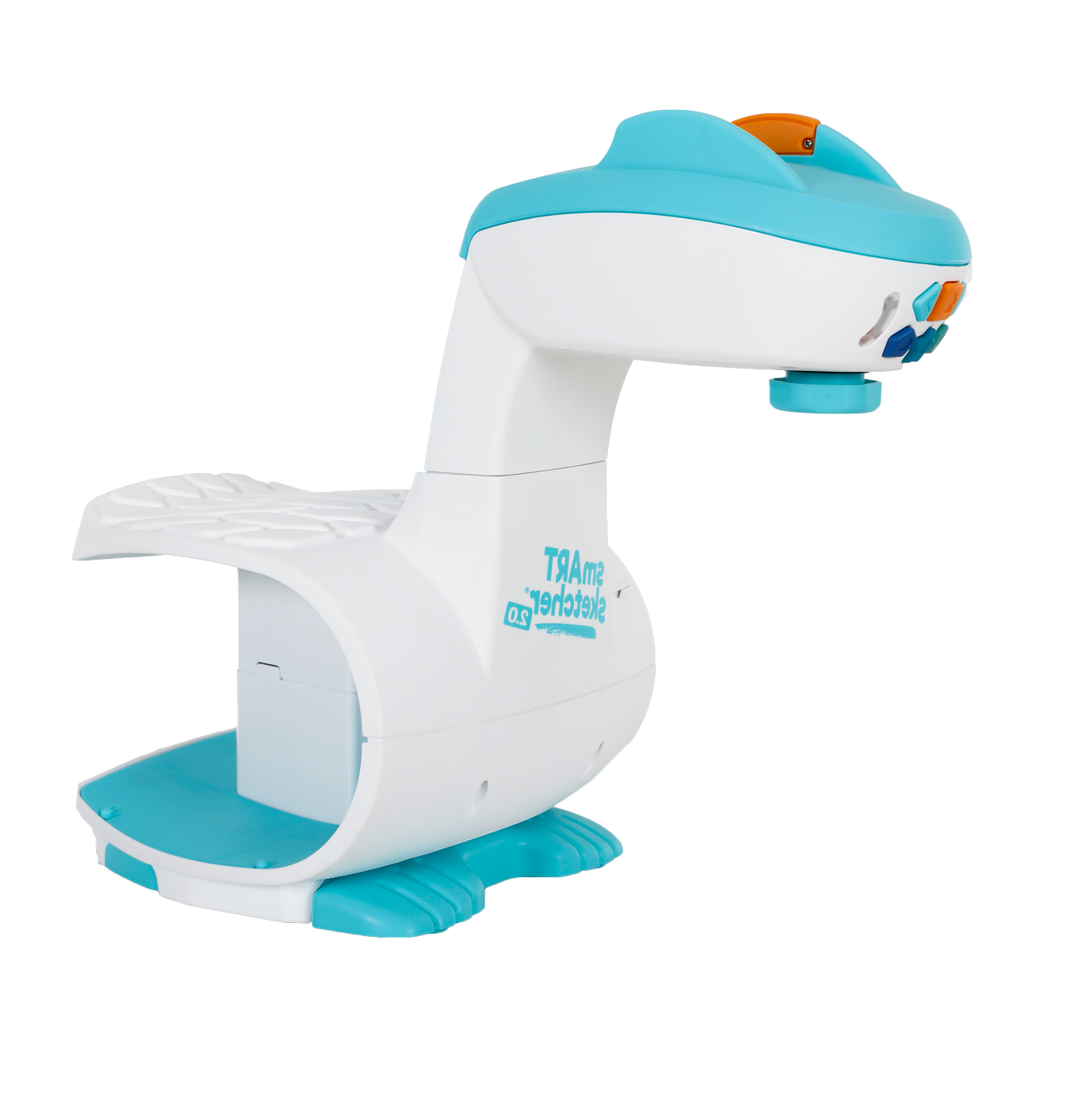 Over 60 Activities Included!
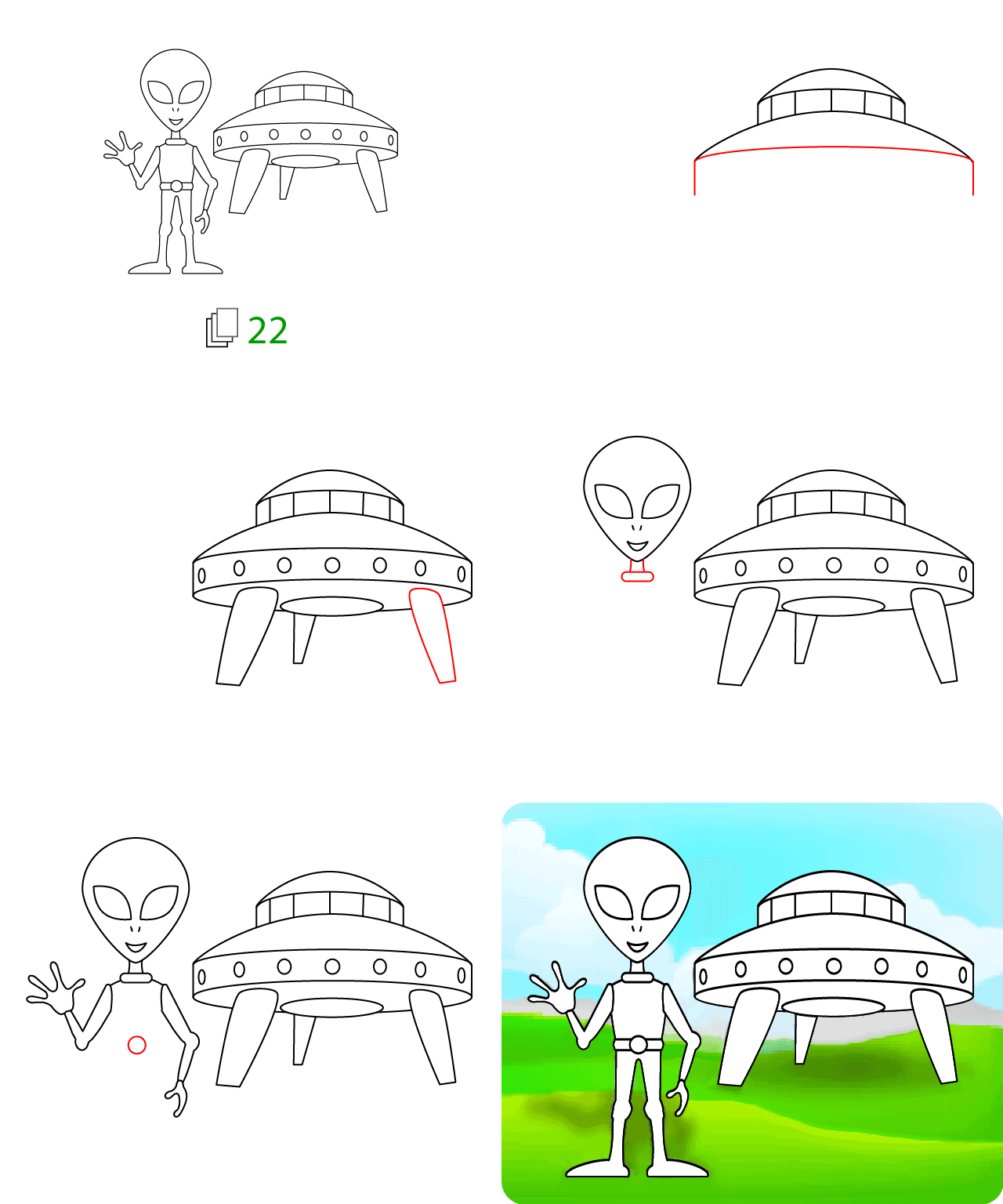
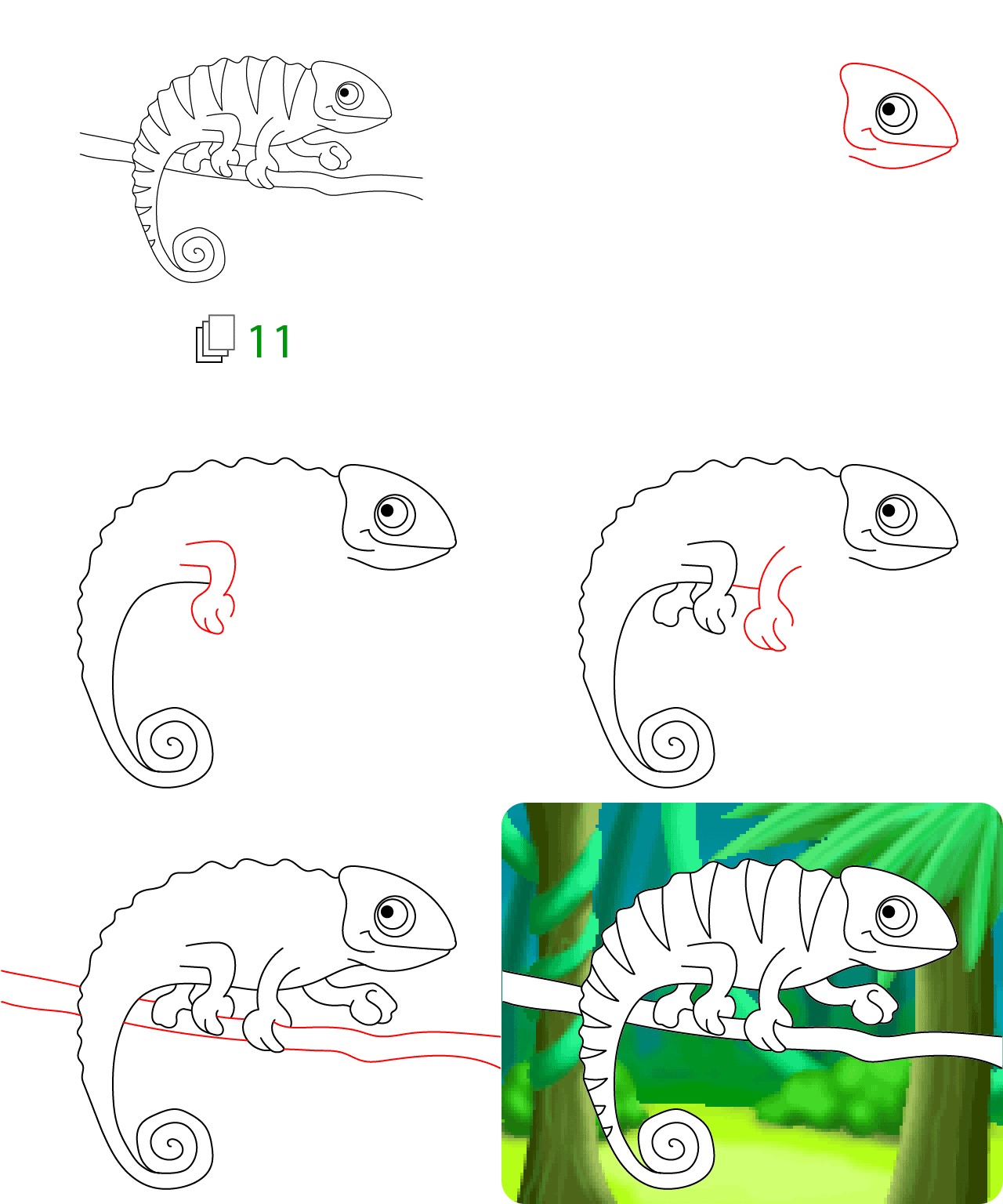
Over 60 step-by-step activities that spark creativity and learning.
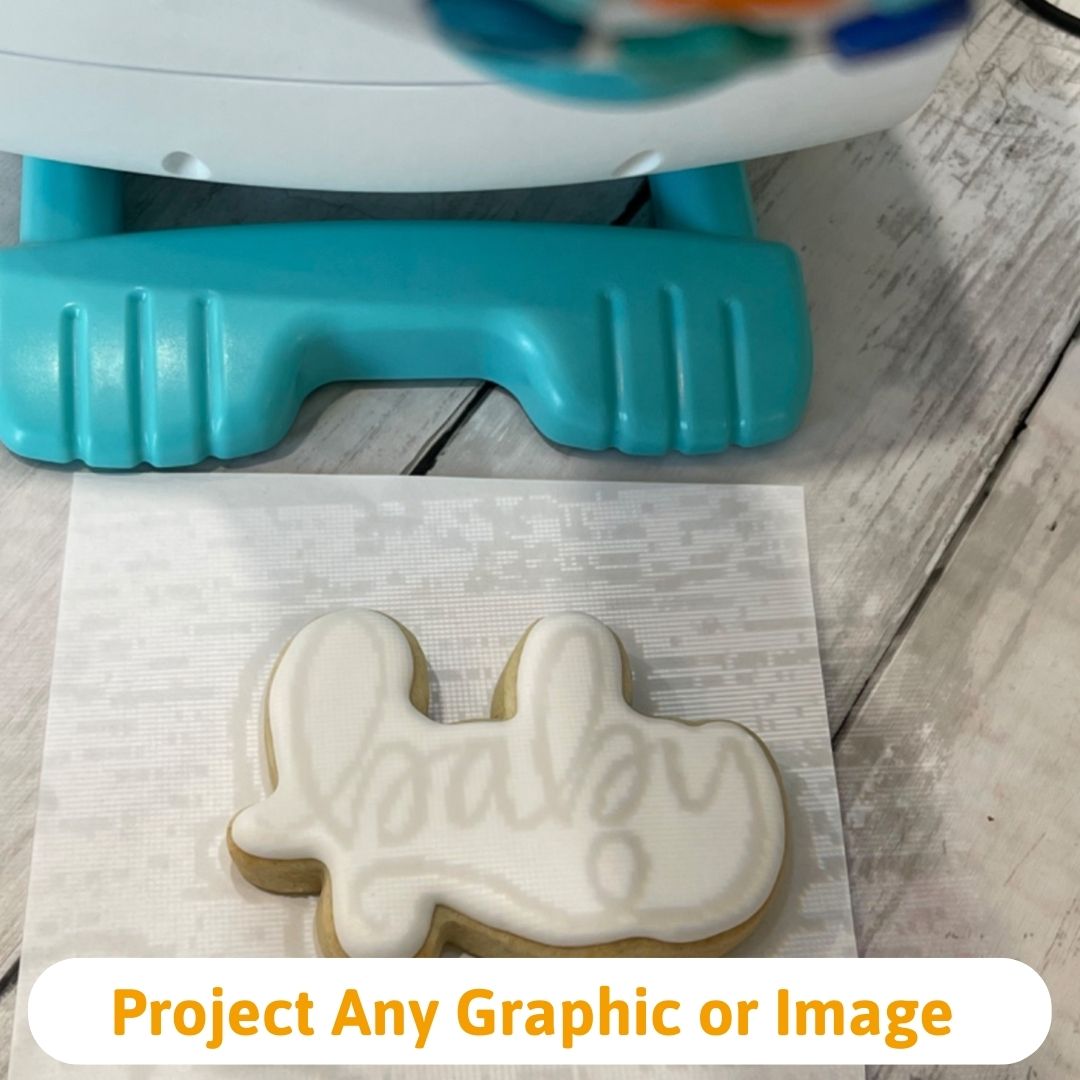
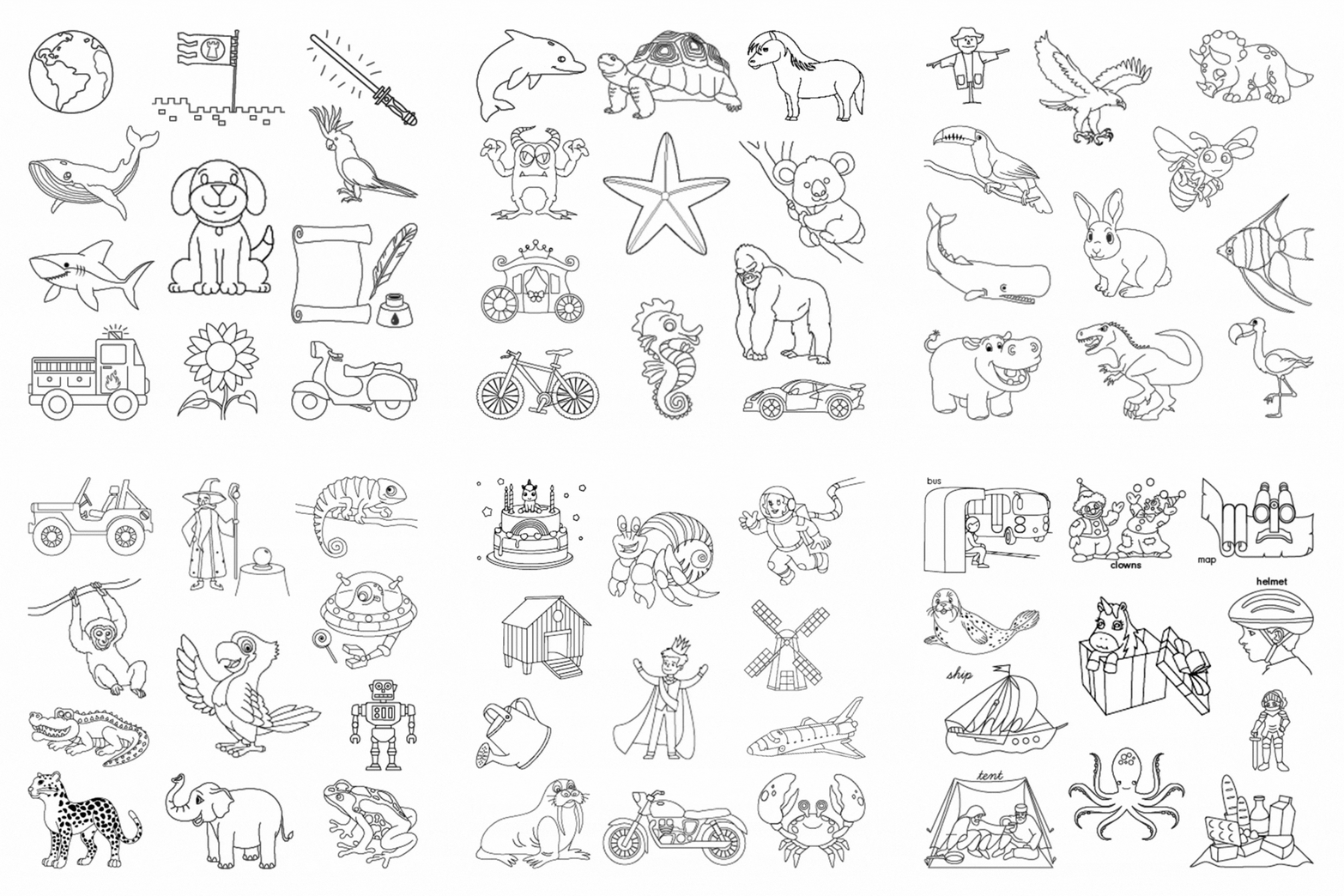 Snap a pic and the smART sketcher® 2.0 will project it for you to sketch!
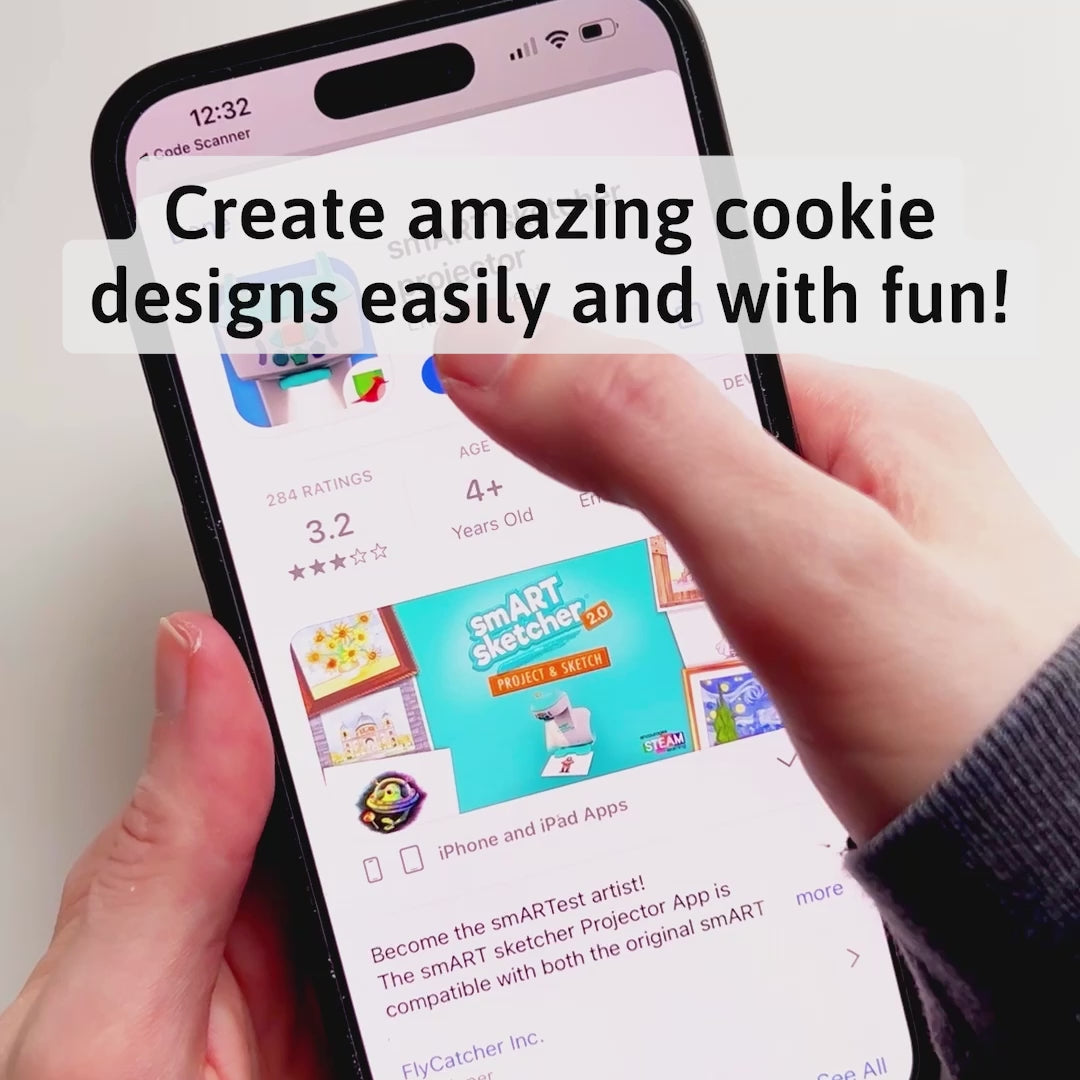
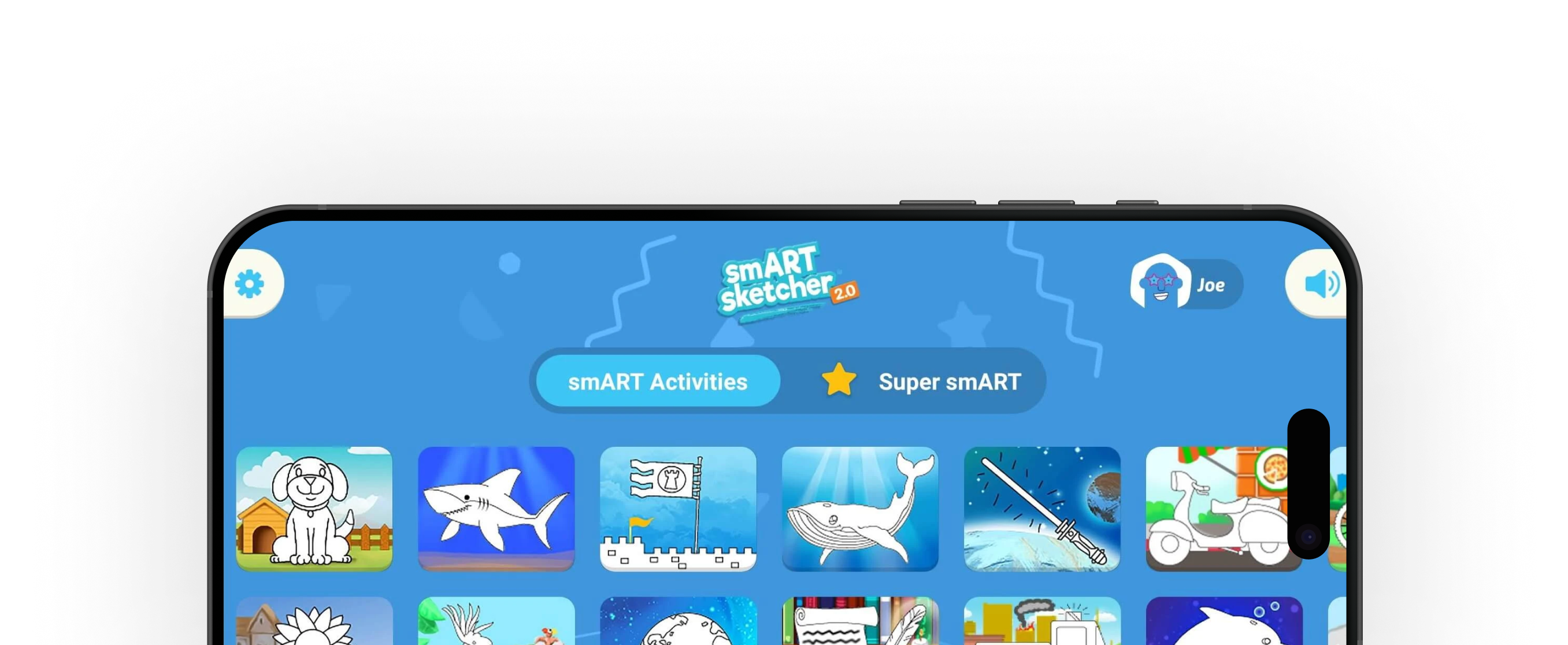
Download the FREE app for limitless drawing options. The smART Sketcher® 2.0 Projector App is available on the Apple App Store, Google Play and the Amazon App Store.
Enabling the free App lets users download their favorite photos from a mobile device via Bluetooth and create endless more activities.


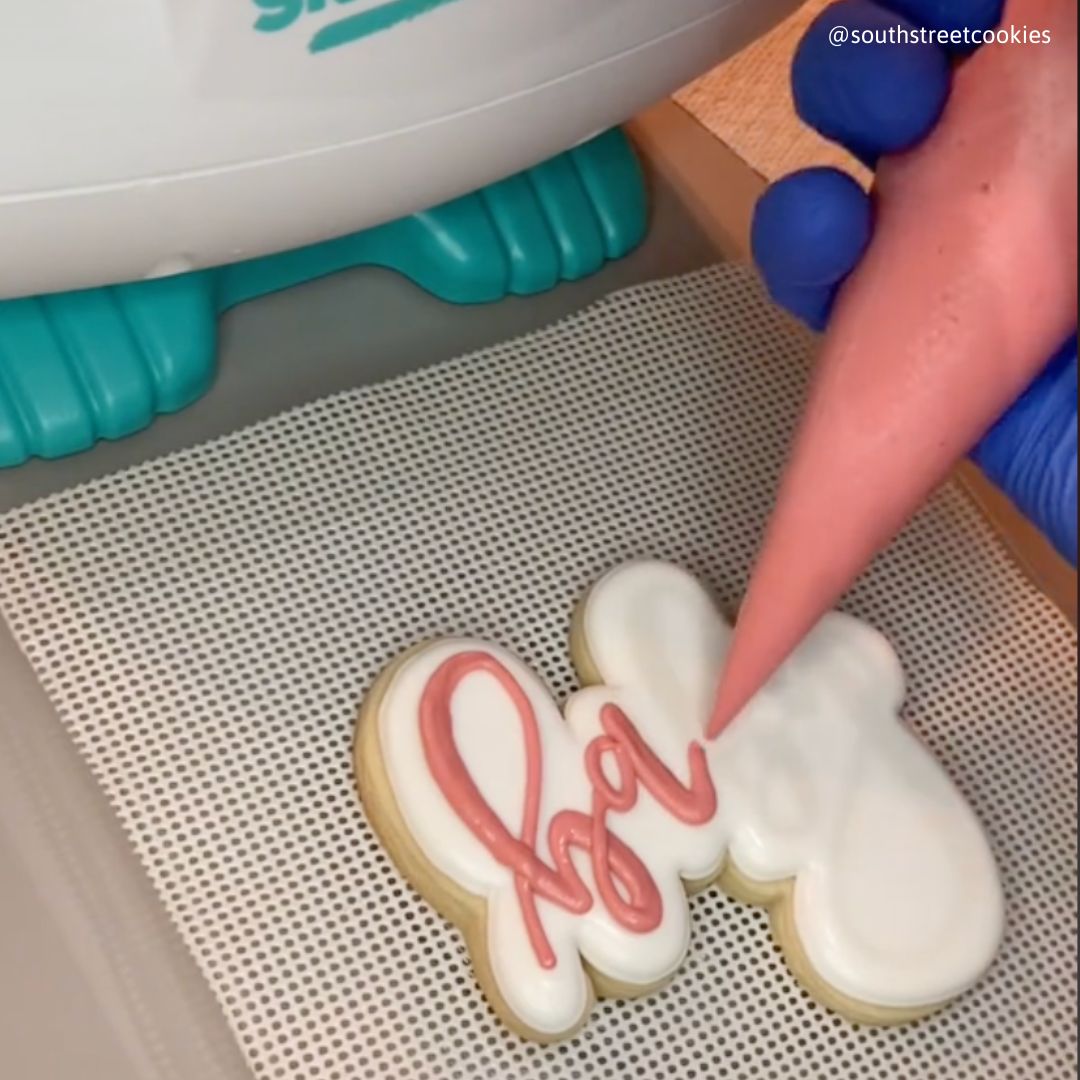
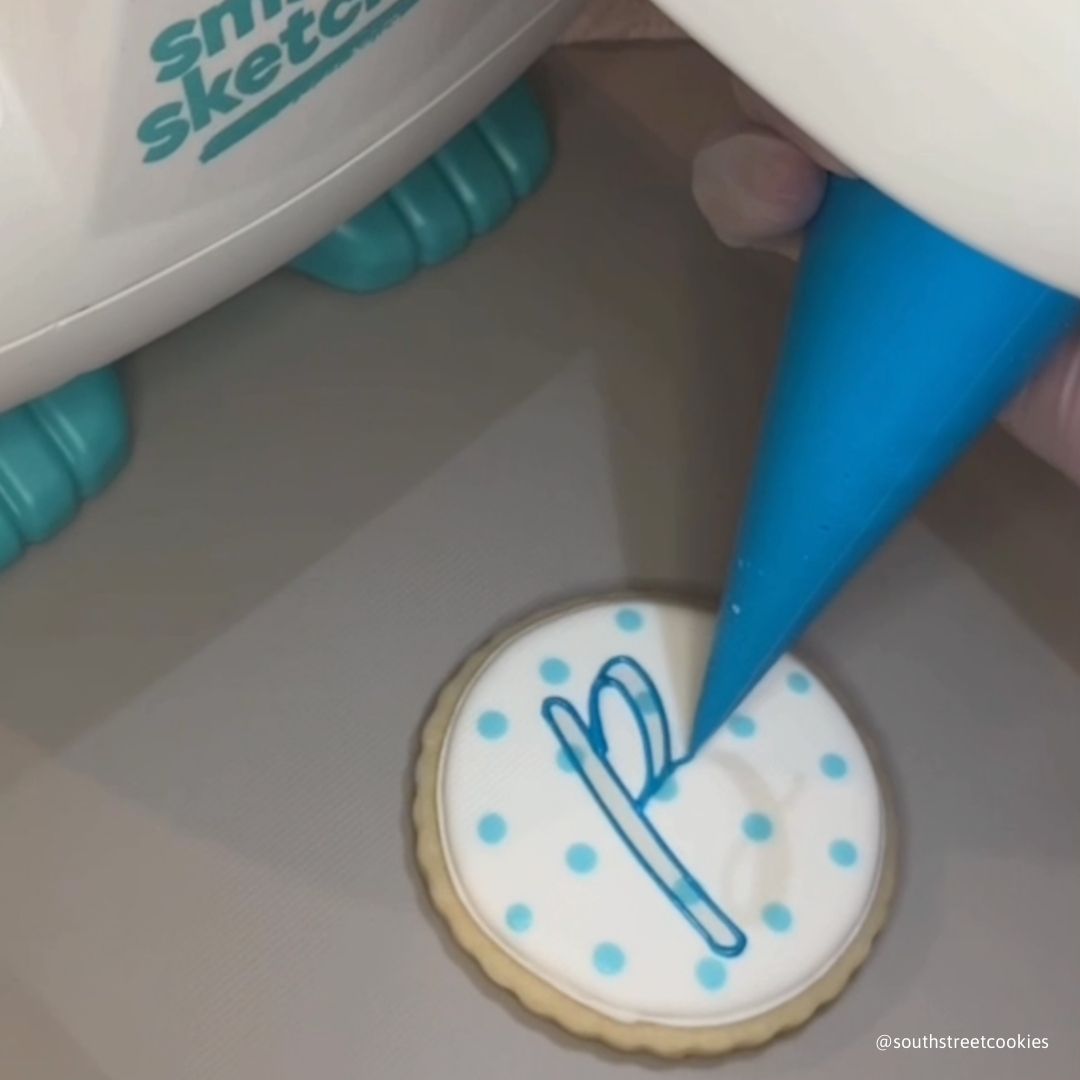
It doesn't make your coffee, but it does turn “I can't draw” into “I drew this.” The projector beams step-by-step images onto real paper so kids trace, learn, and finish drawings they're proud of. It works with pre-loaded cartridges or your own photos via the free app - so it grows with your budding artist instead of gathering dust.
Both! Think of it as training wheels for drawing. Kids start by tracing to build confidence, then follow step-by-step stages that show how a drawing is built — line by line — until they're ready to ride solo. Expect side-eye at your stick figures within weeks.
Yes, no marketing fluff here. Snap or upload any photo in the free app and it becomes a traceable sketch, sent to the projector over Bluetooth. The family dog, a birthday cake, Grandma's selfie: all of them, immortalized in pencil.
Yes. Straight out of the box, kids pop in the included activity cartridge and start drawing — no app, no screen, no Wi-Fi needed. The free app is an optional upgrade that unlocks photo tracing and subscription content whenever you want it.
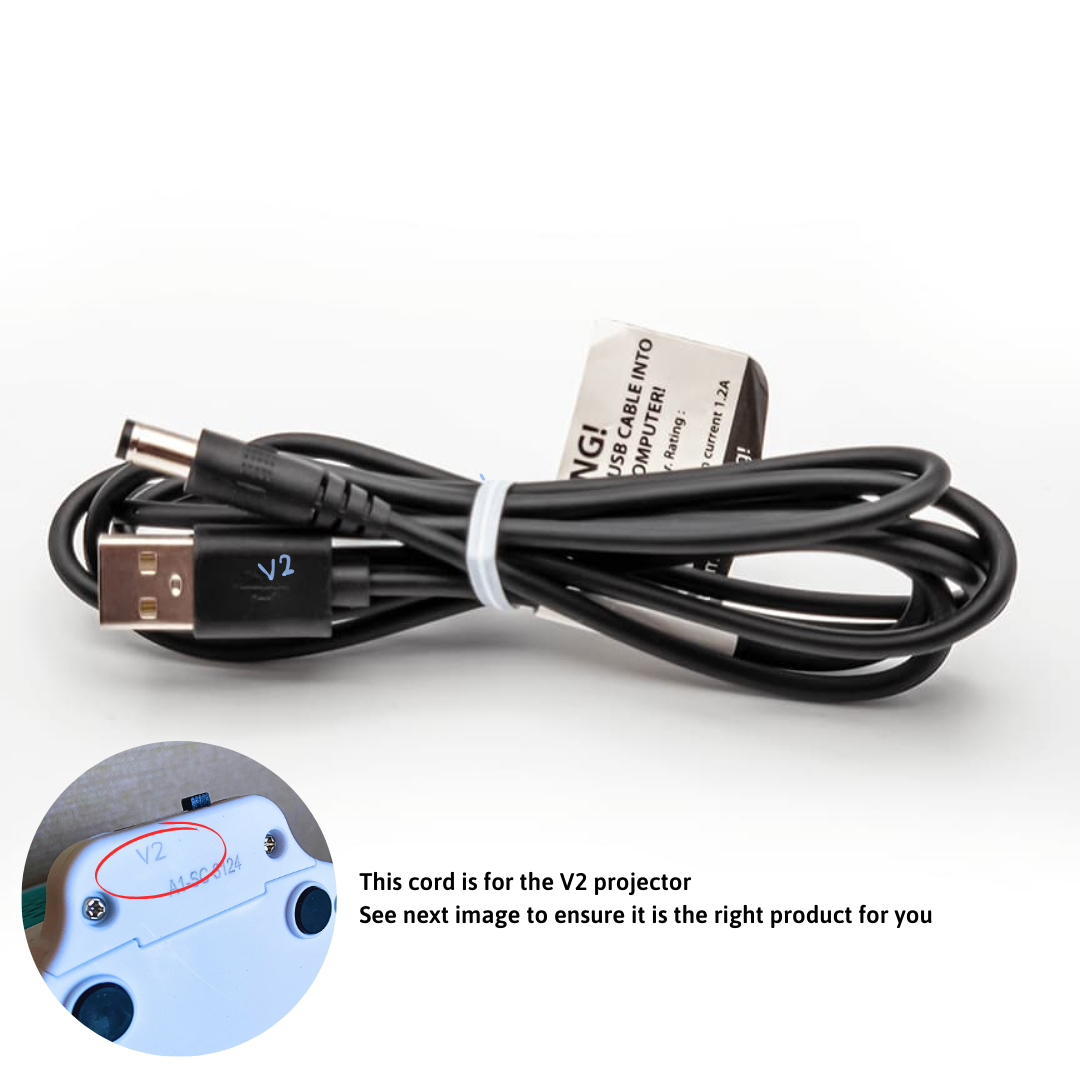
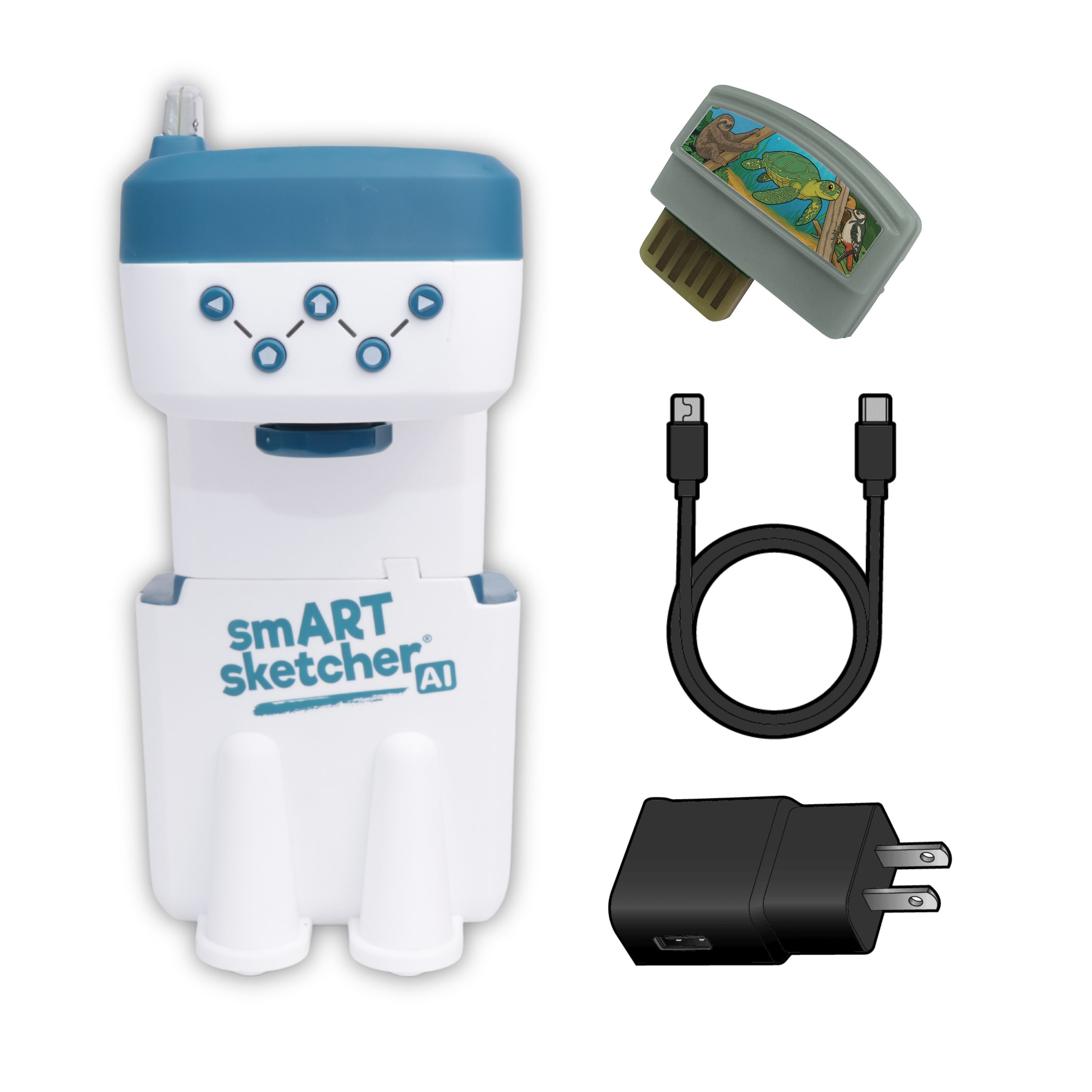
The projector, a pre-loaded activity cartridge, and a USB power cable. You supply the power: a standard 5V USB wall plug with at least 1.5A (2A is ideal — skip fast-charging plugs, they're too strong for it), or 4 D-size batteries. Add paper and crayons, and you're off. Setup takes minutes.
Nope! It works right out of the box with the included cartridge, and the free app lets you trace any photo — infinite content, zero extra cost. If you want more themes (unicorns, anyone?) or letter-writing packs, expansion cartridges and the Super smART subscription are there when you're ready.
The smART sketcher Projector app is free on iOS (12.0+) and Android (5.1+). It finds the projector over Bluetooth automatically - no fiddly pairing menus. One heads-up: Amazon Fire tablets aren't supported.
It's designed for ages 5 and up (not for children under 3 — small parts). Younger kids love tracing shapes and letters; older kids get into photo tracing and detailed drawings. And we won't tell if you “borrow” it — parents get surprisingly competitive about their cat drawings.
Why not both? Beyond drawing, kids practice writing letters and numbers, and every traced line builds the small-motor skills behind early handwriting. Learn-A-Language packs even align with Common Core reading-foundation standards. It's like sneaking spinach into brownies — but way more fun.
Oh, it'll get used. Unlike closed-ended toys, it evolves with your child's age, skills, and interests — trace a cartoon today, their own photo next month. It's also a party trick: watch visiting grandparents light up when their selfie becomes a sketch. Perfect for birthdays, holidays, and “just because.